The graveyard in your voice-memo app
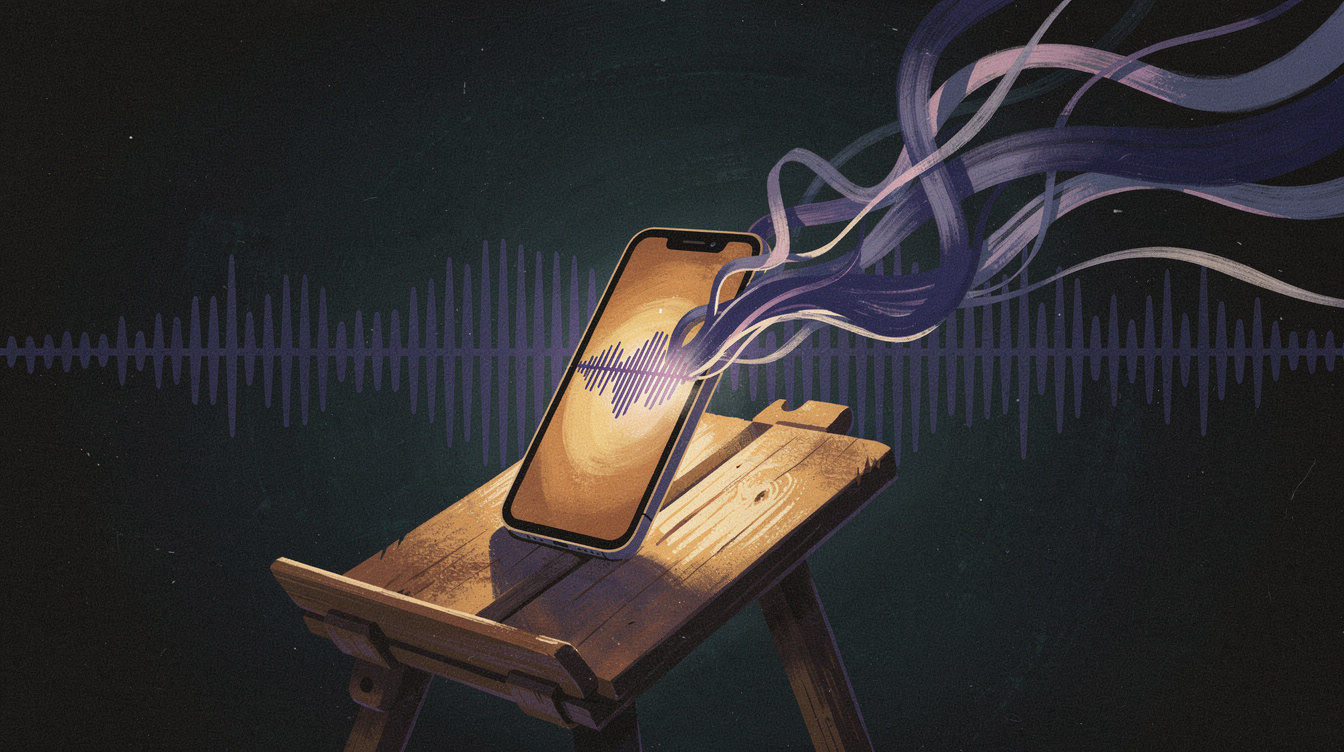
Open your phone's voice recorder right now. How many entries are there? How many can you tell apart? For most people who make music, it's a long, dread-inducing list of "New Recording 47," "New Recording 48," "New Recording 49" — each one a 20-second snippet of a melody you hummed in the car, a hook you mumbled half-asleep, a flow idea you caught walking somewhere. Some of them are good. You'll never know which, because you're never going to scrub through ninety unlabeled clips to find out.
That's the cruel trade-off of the voice memo: it's the fastest way to capture a musical idea and the slowest way to ever use one. You can't search audio. You can't skim it. You can't tell at a glance whether clip 47 is the bassline you've been hunting for or eleven seconds of you saying "uh... wait." So the ideas pile up, untouched, and quietly die in a folder.
Onomo's Journal Memos mode is built to break that cycle. It's a voice memo tool that transcribes live as you record, files everything into a searchable library, and lets you send a transcript straight into your lyrics — all in your browser, all on your own device. This post is a deep dive on exactly how it fixes the voice-memo graveyard and fits into a real songwriting workflow.
Record and watch it transcribe in real time
The core of Memos is simple to use: you hit record, you hum or speak your idea, and the words appear live on screen as you say them. There's no separate "transcribe" step you wait on afterward — the transcription happens as you speak, using your browser's built-in speech recognition.
Two things about that matter a lot:
- It's client-side. Nothing is uploaded. The transcription runs on your own device through the browser's built-in speech feature. Your half-formed ideas, your unreleased hooks, your mumbled late-night nonsense — none of it gets sent off to a server. For songwriters who are (rightly) protective of unreleased material, that privacy is the whole point.
- You see the words as you go. Watching the transcript form in real time means you know immediately whether it caught what you said. If a key lyric came through garbled, you notice on the spot instead of discovering it weeks later.
So the capture itself is as fast as any voice memo — but the moment you stop, you already have text, not just audio.
The real fix: a library you can actually search
Recording is the easy half. The reason ideas die isn't that they were never captured — it's that they were never findable. This is where Memos changes the math.
Every memo lands in a searchable library. Because each recording carries its transcript, you find ideas by typing the words you said into them. "That bassline idea" — search "bass." The hook about driving at night — search "night" or "drive." Instead of scrubbing through ninety clips hoping to recognize a waveform, you query your own ideas like a database and jump straight to the one you meant.
This is the difference between a voice-memo folder and a voice-memo system. A folder is where ideas go to be forgotten. A searchable, transcribed library is where ideas wait to be used. The capture friction stays at zero; the retrieval friction — the part that actually kills songs — drops to almost nothing.
Send it straight to your lyrics
Capturing and finding an idea is good. Using it is the goal. Memos closes that last gap: you can send a transcript straight to your lyrics in Write, or to a Note.
Picture the actual moment. You're out, a melody arrives with a few mumbled words attached, and you record it — humming the tune, half-singing the line. Later, at your desk, you search the library, find that memo by its words, and push the transcript directly into the Write lyric editor. The phrase you caught on a walk is now sitting in your song, in a real lyric editor with structure, syllable counting, and the offline rhyme engine ready to help you finish the line — no retyping, no playing the clip back five times to transcribe it yourself.
That covers the whole loop a songwriter needs: capture the melody and the mumbled words on a walk, find it later by searching the words, drop it into the song. Memos is the front door, and it opens directly onto where the writing actually happens.
Where Memos fits in the bigger notebook
Memos isn't a standalone app — it's one of the six modes in Onomo's Journal, the artist notebook, and that's what makes it more than a recorder. A captured idea doesn't sit in isolation; it flows into the rest of your work:
- Into Write, where the rhyme engine and song structure help you turn a mumbled line into a finished verse — covered in the songwriting app with an offline rhyme dictionary.
- Into Notes, if the idea is a production thought rather than a lyric.
- And it lives alongside the canvas, concept, and project-planning modes that make up the full notebook — see the complete Journal tour for how all six modes connect.
So the hum you catch today doesn't just get transcribed and filed. It plugs into the place your songs are actually written and planned.
An honest word on browser support
One thing to be straight about: Memos' live transcription relies on your browser's built-in speech recognition, and that means it works in Chrome, Edge, and Safari, but not Firefox. If you're a Firefox user, you'll want to capture in one of the supported browsers to get the live transcript. It's a real limitation and worth knowing before you build your capture habit around it — but in a supported browser, the experience is exactly what a songwriter wants: instant, private, and searchable.
Build the habit
The tool only works if you use it as your capture reflex. A simple way to start:
- Make Memos your default catch-net. Next time an idea hits, open Memos and record instead of reaching for the phone's recorder.
- Hum the melody, then say a tag so it's findable later.
- Let it transcribe as you go, and glance at the text to confirm it caught the key words.
- At your desk, search the library for the words you said and send the transcript to Write to turn it into a real lyric.
Do that for a week and your ideas stop disappearing into a numbered graveyard. They become a searchable, usable pile of material your next songs come from.
FAQ
Is it free? Yes — Memos is part of the Journal, which runs in your browser with no install or payment required. Free and in-browser are the advantages here.
Does it work on my phone? Yes, in a supported mobile browser — which is ideal, since most of these ideas hit when you're away from the desk. Recording and live transcription work on the go; you'll often do the writing step later on a larger screen.
Does it upload my audio or my ideas? No. Transcription is client-side, using your browser's built-in speech recognition. Nothing is sent to a server, which keeps your unreleased ideas private.
Which browsers support the live transcription? Chrome, Edge, and Safari. It does not work in Firefox, because it depends on the browser's built-in speech-recognition feature.
Can I find an old idea later? Yes — that's the main point. Every memo goes into a searchable library, and because each carries its transcript, you find recordings by searching the words you spoke.
Can I turn a memo into actual lyrics? Yes. You can send a transcript straight into the Write lyric editor (or to a Note), so a hummed idea becomes text in your song without retyping.
Stop losing your best ideas
The next "New Recording 47" doesn't have to vanish. Open the Journal, go to Memos, and record your next idea — hum the melody, say the words, and watch it transcribe. When you sit down to write, search the words and pull it straight into your lyrics. That's a voice memo app that actually gives the idea back to you, built for the way songwriters work.
Ready to try it yourself?
Onomo is a full DAW in your browser — synths, drums, effects, and export. Free to start, nothing to install.
Open the Journal