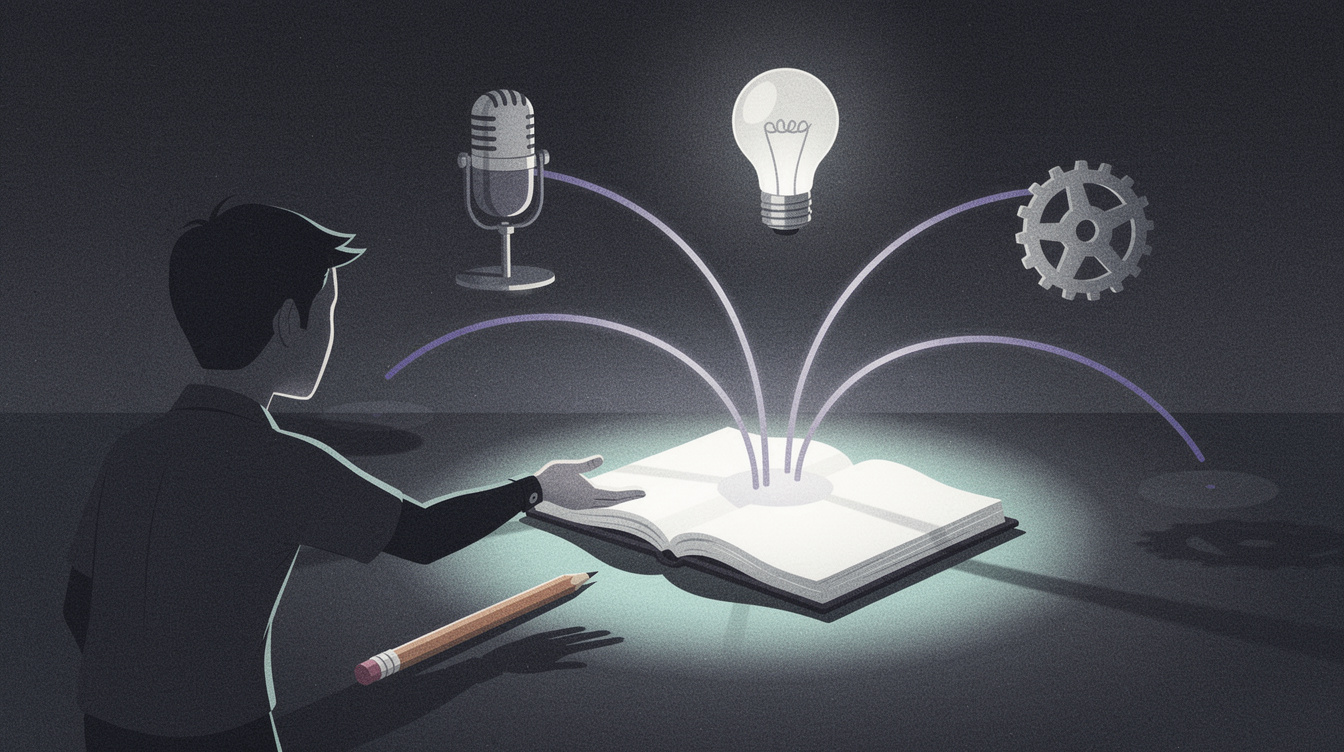
One place for the whole mess of making music
Making music generates a sprawl of stuff that isn't the song itself: half-written verses, a hummed melody on your phone, a mix note you scribbled at 2 a.m., a mood you can't quite name, a reference track, a release date you keep forgetting. Most of it ends up scattered across a notes app, a voice-memo folder, a group chat with yourself, and your own memory — which means half of it is lost by the time you sit down to work.
Onomo's Journal is built to hold all of it in one place. It's an artist notebook with six modes, each tuned to a different kind of thinking, and they connect: capture an idea in whichever mode fits, and it links into the rest of your work instead of dead-ending in an app you never reopen. This is a full guided tour of those six modes — what each one is, who it's for, and how they fit together. It's the product tour, so by the end you'll know exactly where each kind of idea belongs.
The six modes are Write, Memos, Notes, Brainstorm, Concept, and Manage. Let's walk through them.
Write — lyrics with real structure
Write is the lyric editor, and it's where words get shaped into a song. Unlike a plain text box, it understands song structure: you get color-coded sections for verse, chorus, hook, and bridge, so a lyric reads like a song instead of a wall of text. As you write, it does syllable counting to help you keep lines even and your flow consistent — invaluable when you're matching a rhyme scheme or fitting a pocket.
It also keeps version checkpoints, so you can chase a different angle on a verse and roll back if the new direction doesn't land. You're free to experiment because nothing is lost. Optional AI assists are there when you want a nudge, and everything you write goes into a shared lyric doc — which becomes important later, because other modes can link to it.
The standout tool inside Write is the rhyme engine: a 134,000-word CMU pronouncing dictionary that runs fully offline, giving you perfect, near, and slant rhymes plus multi-word matches, instantly and privately. It's deep enough to deserve its own write-up — see the offline rhyme dictionary in your browser. For now, know that real rhyme help lives right inside the lyric editor.
Who it's for: anyone writing lyrics or topline — the songwriter, the rapper, the topliner.
Memos — catch the idea before it's gone
Memos is voice capture, and it solves the oldest problem in songwriting: the melody that hits when you're nowhere near a session. You hit record, hum or speak the idea, and it transcribes live as you speak using your browser's built-in speech recognition — client-side, with nothing uploaded.
What makes it more than a voice-memo folder is that the transcripts go into a searchable library. Instead of scrolling past "New Recording 47," you find the take by typing the words you mumbled into it. And you can send a transcript straight to your lyrics in Write or to a Note, so a hum on a walk becomes a line in your song without retyping anything.
Two honest details: live transcription works in Chrome, Edge, and Safari, but not Firefox, and it relies on that built-in browser feature. There's a dedicated deep-dive on this mode: a voice memo app that transcribes, built for songwriters.
Who it's for: anyone who gets ideas away from the desk — which is everyone.
Notes — production sticky notes
Notes is a sticky-note board for the thoughts that aren't lyrics and aren't full plans — the quick production reminders. "Kick needs more attack." "Drop should strip to just the 808 and vocal." "Try a tape-stop into the bridge." These are the notes that, left in your head, evaporate by the next session.
A board of sticky notes is the right shape for this kind of thinking: low-friction, glanceable, and good for the dozens of small reminders a project accumulates. You jot, you arrange, you clear them as you handle them.
Who it's for: producers and engineers keeping track of the running to-fix and to-try list for a track.
Brainstorm — an infinite canvas for everything at once
Brainstorm is the most open-ended mode: an infinite canvas where you pin different kinds of material side by side and see how they relate. It supports a rich set of card types:
- Text cards for free-form notes and fragments.
- Lyric cards that live-link to your Write sections — so a lyric on the canvas stays in sync with the actual verse in the lyric editor.
- Note cards for quick callouts.
- Image cards with palette extraction, so dropping in a reference photo gives you its color palette automatically. (This is what people sometimes call a "moodboard," but it's image cards living inside Brainstorm, not a separate mode.)
- Audio cards to pin a reference or a take.
- Palette cards and shape cards for color and visual structure.
- Frame cards to group related material into sections.
You connect cards with connections and annotate freely with ink. The result is a spatial workspace where the lyric, the reference image, the color palette, and the audio clip for a song all live together and you can literally see the concept taking shape.
Who it's for: visual thinkers and concept-builders — anyone who works by laying ideas out and finding the relationships between them.
Concept — turn a vibe into a release brief
Concept is where a feeling becomes a plan. It's a release-brief builder made of flexible blocks you arrange to describe a project: the pitch, the sonic direction, the hook, the shots for visuals, the posts for marketing, the rollout sequence, and more. Instead of a single brief that feels like homework, you assemble exactly the blocks your release needs.
This is the mode that turns "I think this song is a late-night, neon, after-the-club kind of thing" into something you can actually execute against — a document that aligns the music, the visuals, and the rollout. If you use the AI assists and you happen to be offline, Concept has a local fallback so it keeps working without a connection.
Who it's for: artists planning a release — anyone thinking about how a song reaches the world, not just how it sounds.
Manage — see every project you're cooking
Manage (labeled Roster in the app) zooms all the way out to cross-project planning. Most of the other modes are about one song; Manage is about all of them at once. You set a hero project and keep a roster of in-flight projects, each with a vibe state so you can see at a glance where everything stands.
It includes a calendar and an agenda to keep your release timeline honest, and it reads your Studio projects' cover art and pitch, so your actual productions show up here without re-entering anything. You can build release plans with dates and tasks so a finished song doesn't stall on the runway to release.
Who it's for: the working artist juggling several songs and releases who needs one dashboard for all of it.
The through-line: capture anywhere, it all connects
Six modes could just be six separate tools, but the value is in how they link. A few of the connections that make Journal feel like one notebook instead of a folder of apps:
- A hum in Memos transcribes and sends straight to Write or Notes.
- A lyric card in Brainstorm live-links to your Write section, so the canvas and the lyric editor stay in sync.
- An image dropped into Brainstorm hands you a palette automatically.
- Manage reads your Studio projects' cover and pitch, tying your notebook to your actual productions.
- AI across modes uses cloud models with per-recipe behavior tuned to each task — with Concept's local fallback for offline work.
That through-line is the idea: you capture in whichever mode fits the moment, and it connects to everything else, so nothing dead-ends. The notebook becomes the place your songs actually come from.
FAQ
Is the Journal free? Yes — it runs in your browser, no install. The offline rhyme engine and the modes themselves work without paying.
Does it work on my phone? Journal runs in a modern mobile browser, so you can capture on the go. The bigger canvas-based modes like Brainstorm are easier to use on a larger screen, but quick capture and voice memos are great on a phone.
Is "Moodboard" one of the modes? No. The image cards with palette extraction live inside Brainstorm — there's no separate Moodboard mode. The six modes are Write, Memos, Notes, Brainstorm, Concept, and Manage.
Do I need the rest of Onomo to use the Journal? No, the Journal stands on its own as a notebook. But it connects to the wider app — for example, Manage reads your Studio projects — so it's more powerful as part of the whole.
Does the voice transcription upload my audio? No. Memos transcribes using your browser's built-in speech recognition, client-side, with nothing uploaded. Note that live transcription works in Chrome, Edge, and Safari, but not Firefox.
Where should each kind of idea go? Lyrics in Write, voice ideas in Memos, production reminders in Notes, free-form concepting in Brainstorm, release planning in Concept, and cross-project tracking in Manage. When in doubt, use Quick Capture and sort later.
Put your ideas in one place
Stop losing songs in the gaps between apps. Open the Journal, pick the mode that fits whatever's in your head right now — a lyric, a hum, a mix note, a whole concept — and start capturing. Because every mode connects, the idea you save today is the one you'll actually find when you sit down to finish the song.
Ready to try it yourself?
Onomo is a full DAW in your browser — synths, drums, effects, and export. Free to start, nothing to install.
Open the Journal