Collaborating on music has always been clunky. You finish your part, bounce it, email a huge file, wait, get a version back, lose track of which one's current, and discover your collaborator can't even open it because they're on different software. By the time you're synced up, the spark is gone.
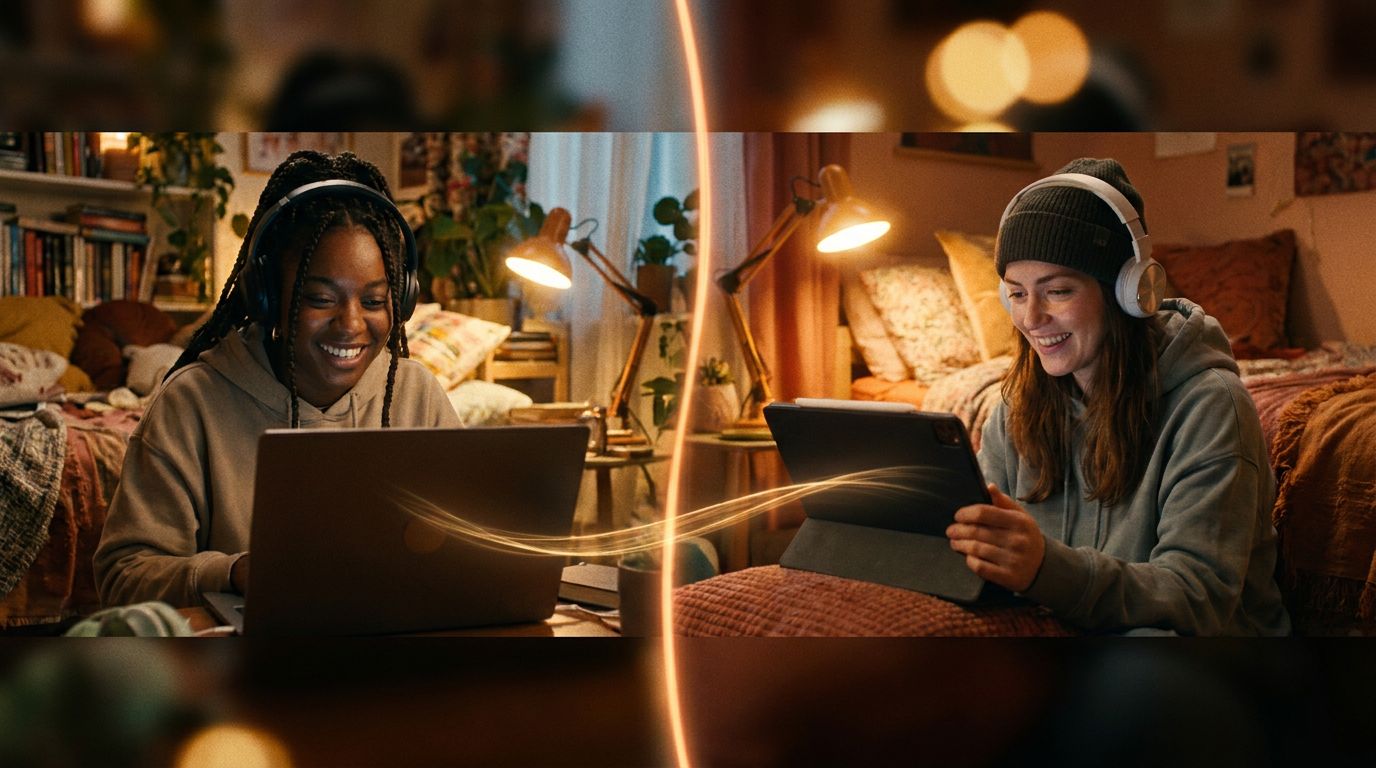
Onomo skips all of that. Because it runs in the browser, you and a collaborator can be in the same session at the same time — seeing each other's edits live, like a shared document for music. Here's how to actually use it, and how to keep control of your project while you do.
What real-time collaboration actually looks like
When you invite someone into your project, you're not sending them a copy — you're letting them into the live session. You'll see their presence in real time: their cursor, where they're working, which clip they're editing, and a little indicator when they're recording. They see the same from you. Two (or more) people, one project, moving together.
It works because there's nothing to install and no file to pass around. No "do you have the same plugins?" No "which version is the latest?" The project lives in one place, and you both work on that one place. The friction that kills most collaborations just isn't there.
You control exactly what each person can touch
Here's the part that makes this usable instead of chaotic: you decide what each collaborator is allowed to do. Letting someone into your session doesn't mean handing them the keys to everything. The permissions are granular — you can grant or withhold the ability to:
- Record new parts
- Edit tracks (add, remove, rearrange them)
- Edit instruments (change synth sounds and presets)
- Edit effects (touch the FX chains)
- Edit the arrangement (move and change clips)
- Edit the mix (levels, pan, the mixer)
- Edit the tempo
- Use the AI assistant
So you can bring in a vocalist and let them record but not touch your mix. Bring in a mix engineer and let them work the mixer and effects but not rearrange your song. Bring in a co-producer and open it all up. The control is yours, per person.
How to start a session together
The flow is simple:
- Open your project in Studio.
- Invite your collaborator — you send an invite to them as another Onomo user, rather than posting a public link, so only the people you actually want are in your session.
- Set their permissions for what they can do (record, edit mix, etc.).
- Work together. They join the live session; you both see each other's edits and presence as you go.
There's also in-session chat with reactions, so you can talk through ideas right there instead of juggling a separate call or DM for every little thing.
What it's great for
- Producer + vocalist. They record verses and hooks straight into your session over your beat; you keep control of the production.
- Co-production. Two producers building a track together in real time, bouncing ideas off each other live instead of trading files for a week.
- Getting your track mixed. Hand a mix engineer the mixer and effects permissions and let them work, while you watch and learn.
- Teaching / feedback. Bring someone into your session to show them something or get hands-on notes.
- Remote bands and groups. Everyone contributes their part to one shared project from wherever they are.
Why this beats the old way
The traditional file-trading workflow has a hidden cost that's bigger than the time: it kills momentum. Every export-email-import-resync cycle is a chance for the energy to die and the version history to get tangled. Working in one live session removes all of that — you're collaborating at the speed of conversation, not the speed of file transfers, and there's only ever one current version because you're both editing it.
For a generation of artists who make music with people they've never met in person, that's not a small upgrade. It's the difference between "we should collab sometime" and actually finishing something together this afternoon.
FAQ
Can I really work on the same song at the same time as someone else? Yes. Onomo's collaboration is real-time — you both work in the same live session and see each other's edits and presence as they happen, with no file to pass back and forth.
Can I control what my collaborator can change? Completely. Permissions are granular: you grant or withhold the ability to record, edit tracks, edit instruments, edit effects, edit the arrangement, edit the mix, edit tempo, and use the AI — per person. You decide exactly how much access each collaborator gets.
Do we both need the same software or plugins? No. It all runs in the browser, so there's nothing to install and no plugin mismatch. You just both open the same project.
How do I invite someone? From your project in Studio, send them an invite as another Onomo user (rather than a public link), then set their permissions. They join your live session.
Is it free? Collaboration runs in the browser as part of Studio. Open a project and you can bring someone in.
Making music with people is more fun than making it alone. There's more Mastering Onomo on getting the most out of the app.
Ready to try it yourself?
Onomo is a full DAW in your browser — synths, drums, effects, and export. Free to start, nothing to install.
Open Studio and invite someone