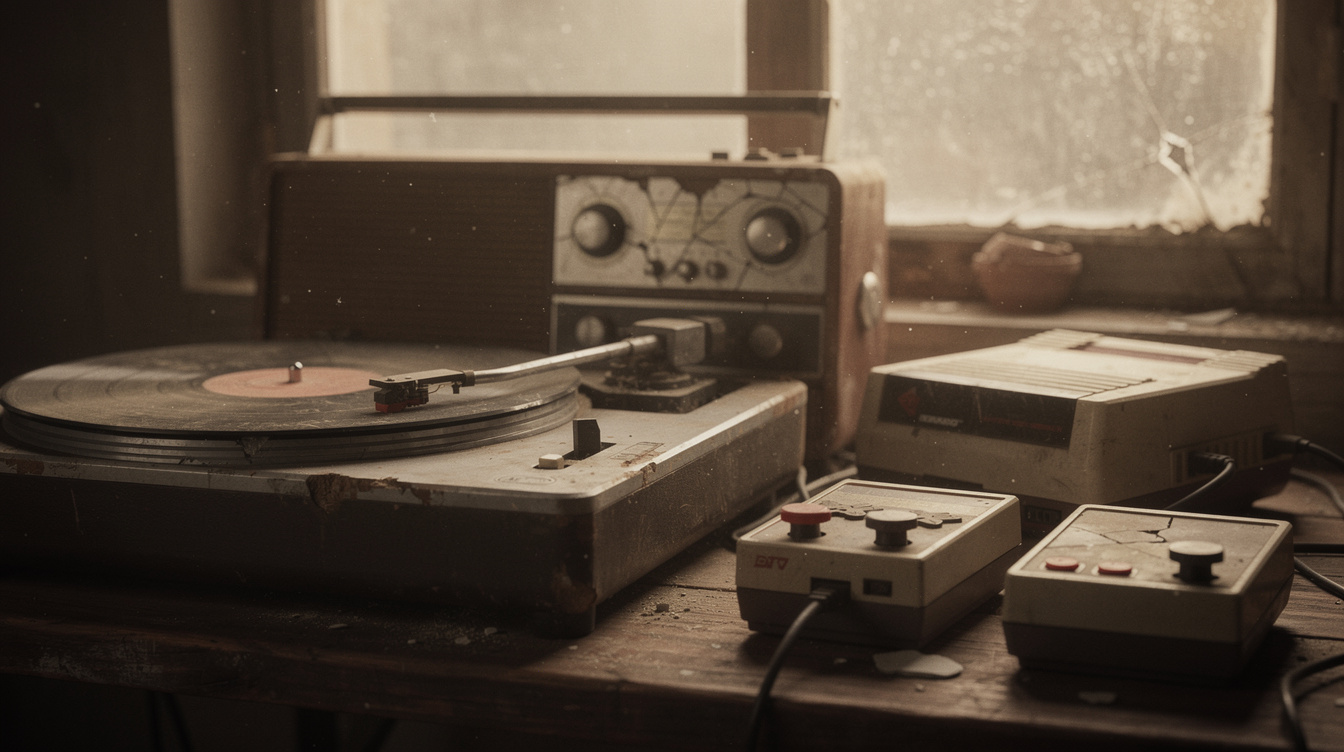
There's something irresistible about audio that sounds like it has a past — the warm crackle of a record, the thin buzz of an old radio, the crunch of a song coming out of a decades-old game console. That "aged" quality instantly makes a track feel nostalgic, cozy, and a little mysterious, which is exactly why it's everywhere in lo-fi playlists, retro edits, and moody videos.
The trick is that "old" isn't one effect; it's a combination of small flaws that real old gear introduced. You can recreate those flaws by stacking a few of Onomo's free Quick Tools. They run in your browser, nothing is uploaded (your audio stays on your device), and they work on your phone. Here's how to build different eras of "old."
The three ingredients of "old"
Almost every vintage sound comes from some mix of these:
- Lo-Fi — the all-in-one warmth machine. It adds tape wobble (that gentle, drifting pitch waver of an old cassette), vinyl crackle (the comforting pops and surface noise of a record), and a warm high-cut that rolls off the harsh, modern top end. This single tool does most of the heavy lifting for a "dusty and warm" feel. → /toolkit/quick/lofi
- Telephone — strips the lows and highs and squeezes everything into a thin, tinny band, exactly like an old broadcast or a voice down a phone line. This is your "old radio" ingredient. → /toolkit/quick/telephone
- Bitcrush — chews the audio down to a gritty, low-resolution, crunchy texture. This is the sound of old digital gear and early game consoles — the "lo-res retro" ingredient. → /toolkit/quick/bitcrush
And a fourth, optional flavor: a touch of slowed drags the tempo down just slightly so the track feels heavier, lazier, and more like it's playing back on tired equipment. A little goes a long way. → /toolkit/quick/slowed-reverb
Each ingredient maps to a different kind of "old." Now let's combine them for specific eras.
Era 1: Dusty vinyl record
The cozy lo-fi-playlist sound — like a beloved old record spinning in a quiet room.
- Start with Lo-Fi as your foundation. Its vinyl crackle and warm high-cut are the vinyl aesthetic, and the tape wobble adds that slightly imperfect, hand-aged feel.
- Add a small touch of slowed if you want it heavier and more relaxed — think late-night, half-asleep listening.
- Keep it gentle. Dusty vinyl should sound warm and worn, not destroyed. The flaws are a seasoning.
Era 2: Old radio broadcast
A song that sounds like it's coming through a crackly AM radio from decades past.
- Lead with Telephone to crush the audio into that thin, tinny, mid-focused broadcast band — no deep bass, no crisp highs, just the squeezed middle.
- Layer Lo-Fi underneath for crackle and warmth, so it sounds like an old radio rather than a modern phone call.
- This combo is perfect for intros, interludes, and "static tuning into a station" moments in a track or video.
Era 3: Retro game console
The crunchy, pixelated sound of an old handheld or arcade machine.
- Bitcrush is the star here — crush the audio down until it gets that gritty, low-res, blocky character that screams vintage digital.
- Add a little Lo-Fi if you want some warmth and noise on top of the crunch so it feels like old hardware and not just a broken file.
- Great for chiptune-flavored edits, nostalgic gaming content, and glitchy retro aesthetics.
How to stack them
Each Quick Tool applies one effect, so you chain them: open the first Quick Tool, add your song (it stays on your device — nothing uploaded), tweak and export, then open the next tool and feed it that exported result. Two or three passes is usually plenty for a convincing vintage sound. It all runs in the browser, free, with no install — so you can build a dusty-vinyl or old-radio version of any track right from your phone.
FAQ
Is making a song sound vintage free? Yes. Lo-Fi, Telephone, Bitcrush, and the slowed tools are all free Quick Tools that run in your browser, with no account needed to make an edit.
Do I need to upload my song? No. Every effect processes your audio in your browser, so your song never leaves your device.
Which single tool gives the most "old" sound on its own? Lo-Fi, because it bundles tape wobble, vinyl crackle, and a warm high-cut in one pass — the core of the dusty, aged feel. Add Telephone or Bitcrush to push toward a specific era.
How do I get an "old radio" sound specifically? Run the track through Telephone for that thin, tinny broadcast band, then add a little Lo-Fi for crackle and warmth so it sounds aged rather than like a modern phone call.
Does this work on my phone? Yes — all the Quick Tools run in a mobile browser, so you can build a vintage version of a song right on your phone.
Can I make just part of a song sound old? Apply the effects to a clip of the section you want aged, then place that processed piece back into your project in a video or DAW. A vintage intro that drops into a clean, modern track is a classic move.
Ready to try it yourself?
Onomo is a full DAW in your browser — synths, drums, effects, and export. Free to start, nothing to install.
Browse the Quick Tools