The 7-App Problem That Kills Momentum
You know the feeling. You’re in the pocket — a riff is rolling, the arrangement is taking shape, and then you hit a wall that has nothing to do with music. You need to nail the kick. But your reference track is in a YouTube tab, your vocal chain is in a third-party plugin you still need to route, and the lyric idea you scribbled on your phone at 2 AM is buried somewhere in a notes app. So you pause. You export. You import. You re-sync. By the time you’re back in the flow, the spark is cold.
That’s the real cost of tool sprawl. It’s not the subscription fees — though those add up. It’s the context-switch tax. Every time you jump between a DAW, a lyric doc, a cover editor, and a video tool, you pay a price in focus. And sometimes you lose the idea entirely. Research from the American Psychological Association has found that chronic task-switching can eat up to 40% of your productive time. For a solo producer, that’s the difference between finishing a track this weekend and having it sit in a folder for six months.
Onomo’s bet is that integration beats best-in-class when you’re shipping. You don’t need a separate app to win at every single step — you need them wired together so tightly that you never have to leave the creative zone.
The Loop: How One Tab Carries a Song from Idea to Release
Imagine this workflow, start to finish, all in one browser tab.
Step 1: Capture the spark. That voice memo you hummed on your commute? Drop it into /journal. Or start with a lyric sketch in Write, where the built-in rhyme engine (134k words, offline) helps you find the right couplet. Or let Airess brainstorm a concept brief — it’ll feed directly into the music video’s storyboard later. The point: you don’t open a second app.
Step 2: Produce in /studio. This is the flagship browser DAW: a custom engine of 35 hand-written AudioWorklets, 20 proprietary synth engines, 7 drum engines, a mixer with bus routing and sidechain, and automation lanes that include tempo curves. And when you need a jumpstart, Airess listens to what you’re working on and outputs structured MIDI patterns, chord progressions, drum kits, even effects chains — not black-box audio. You control every note. The AI assists, it doesn’t replace.
Step 3: Generate cover art in /canvas. Open Canvas and click the “From Song” panel. It pulls the waveform straight out of your Studio project as an editable shape. Import the cover photo you shot on your phone, apply a layer adjustment, and use the built-in AI generative fill to extend the background. Export as a square or animated loop for Spotify Canvas. No round-trip to a separate image editor. No re-exporting.
Step 4: Build the music video in /motion. Import your Studio project. Clips snap to musical divisions automatically — no manual beat-matching. Drag in your lyrics from Journal Write; the timings flow in already synced to the vocal stem. Then apply stem-bound visual FX: bind scale to the kick, hue to the bass, blur to the vocal. The visuals pulse with individual instruments because Onomo owns the whole audio stack. Export MP4 in vertical, square, or widescreen.
The data flows between surfaces automatically. No exports, no re-syncing, no “where did I save that?”
Why Integration Beats Best-in-Class for Most Producers
The standard toolkit is a pile of excellent, specialized apps — a deep DAW, a pro image editor, a serious video tool, a sample marketplace, an AI generator. Each is great in its own silo. But the silos don’t talk to each other. You spend as much time moving data as making music. Export stems. Import to the video editor. Line up timings. Export again. Upload to the cover editor. Re-sync. It’s a chain of context switches that kills momentum.
Onomo’s surfaces are strong individually — but the real advantage is that they share one project. The sum is genuinely greater than the parts, and the connected workflow is the moat.
Real example: a lyric timing you define in Journal Write flows straight into Motion’s karaoke layer — no manual re-syncing. Canvas imports the waveform from Studio so your cover starts from the actual song. The Airess agent in Studio can read your Journal notes to suggest arrangements that fit your written ideas. That’s a loop no single app can offer, because no single app owns all the surfaces.
What You Actually Save (Time, Money, Sanity)
Let’s be concrete.
Time. A typical release process — produce, mix, cover art, lyric video — can take four hours across four apps, most of it spent on file management and re-syncing. In Onomo, that same process takes about 90 minutes. The first time you export a video with stem-bound FX that already has your lyrics timed, you’ll feel the weight lift.
Money. The traditional release stack means stacking up costs — a premium DAW, an image-editing subscription, a video-editing subscription, an AI-generation subscription. They add up fast, and they renew every year. Folding production, cover art, and video into one tool means one cost instead of four. And because it’s browser-based, you don’t need a high-end laptop to run it — your existing machine works.
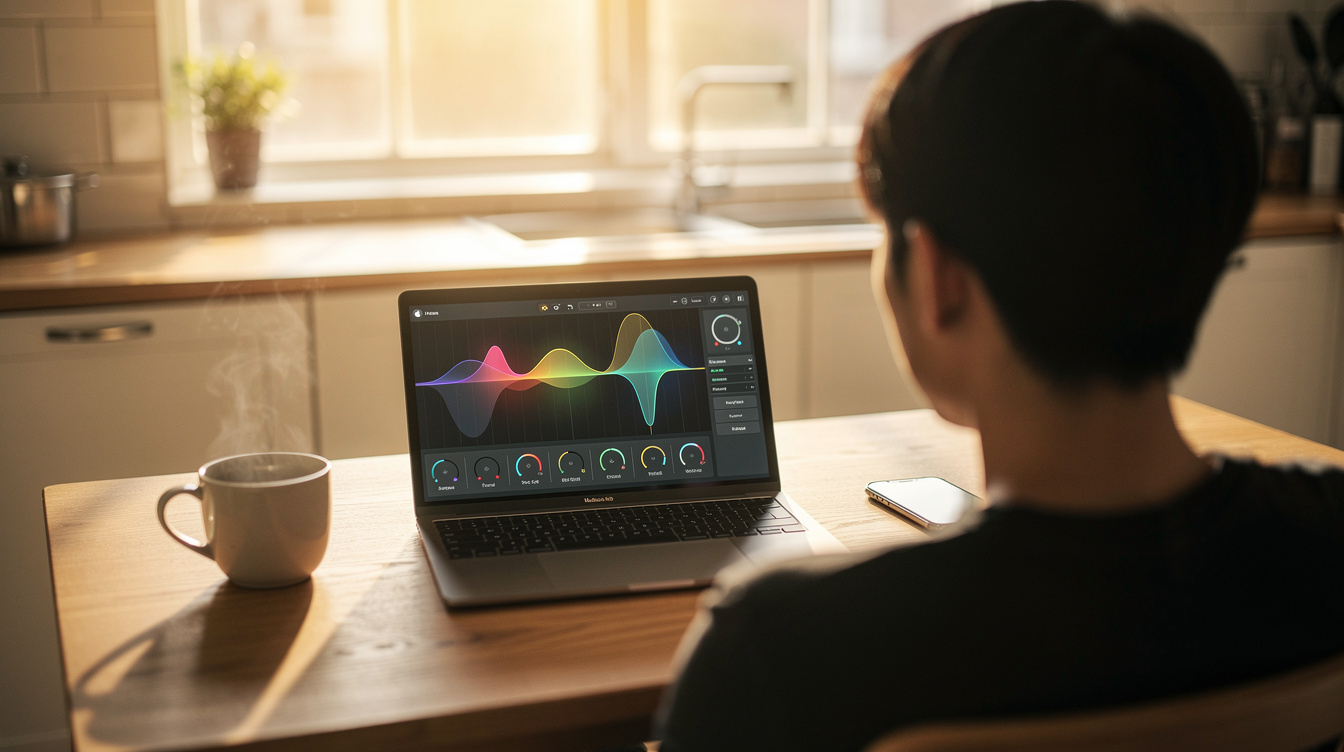
Sanity. One project file. One tab. One undo history. The idea you had at 2 AM doesn’t get lost in a folder of 14 exported stems. Every surface is connected to the same project, so your lyrics, cover art, and video are always in sync. That’s a workflow that respects your attention.
The One Catch (Honest Talk)
Onomo is browser-based. That brings real advantages — no install, cross-platform, always up to date — but also real constraints.
If you need sub-2ms latency for live recording of a full band with overdriven guitar and a room mic, a desktop DAW is still the answer. The browser’s audio stack has improved dramatically (AudioWorklets, SharedArrayBuffer), but it’s not a replacement for ASIO or Core Audio at the pro-studio level. For most bedroom producers working with virtual instruments and a handful of audio tracks, the latency is imperceptible. Test it yourself.
It’s built for the indie/bedroom producer who works alone or with a few collaborators. The real-time collaboration system supports granular permissions (you choose whether a collaborator can record, edit tracks, edit instruments, touch the mix, or use the AI), but it’s not designed for a 40-track orchestral film score with 15 people in the room. If that’s your workflow, a heavyweight desktop DAW is still the right call.
And the AI agent — Airess — is in beta. It’s already useful: generating drum patterns, chord progressions, basslines, and arrangement suggestions that you can edit. But it won’t write your hit chorus for you. We’re honest about that. The AI is an assistant, not a replacement.
The Bottom Line
The tool-sprawl problem isn’t going away. Every year there’s a new AI generator, a new sample marketplace, a new video tool. The industry is adding surfaces, not subtracting them. The result is more friction for the independent artist who just wants to finish a song.
Onomo is the only platform that wires the whole idea-to-release loop in one tab. That’s a workflow that respects your time and your creativity. You can start with a voice memo in Journal, produce in Studio, design the cover in Canvas, build the video in Motion, and share it to your audience, all without leaving the room.
Try it for your next track. You might be surprised how much faster a song finishes when you never have to export a single file.
Ready to try it yourself?
Onomo is a full DAW in your browser — synths, drums, effects, and export. Free to start, nothing to install.
Try the all-in-one browser studio