Here's a question that haunts every new producer: why does my finished song sound quieter and weaker than the professional tracks right next to it? The answer involves a decades-long "loudness war," a unit called LUFS, and a streaming-era twist that completely changed the rules. Understanding this saves you from the single most common mastering mistake, and it's a great example of modern knowledge that no old textbook covers.
The loudness war (the short version)
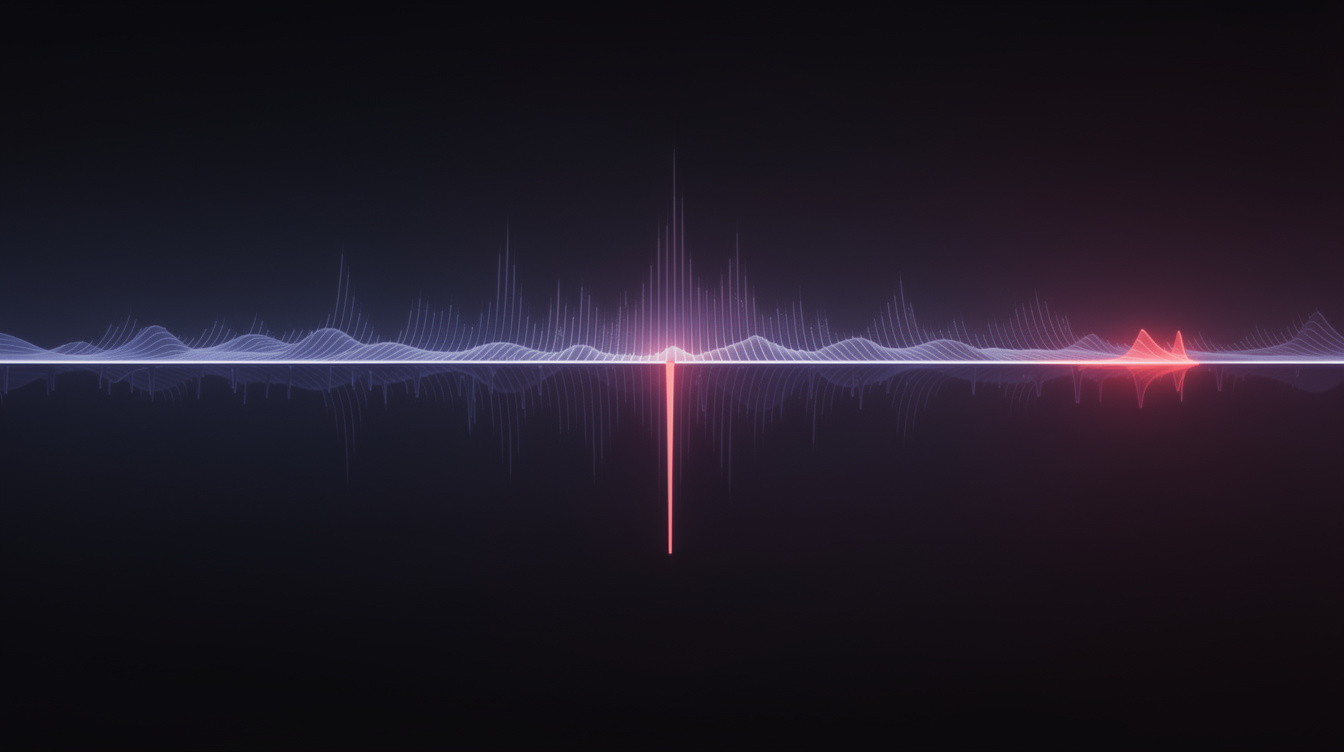
For decades, there was an arms race: louder songs feel more exciting and impressive on first listen, so artists pushed their masters louder and louder to stand out on the radio and in stores. The problem is that you can only make a digital song so loud before you have to start squashing its dynamics — crushing the difference between loud and quiet parts — which makes it fatiguing and lifeless. By the 2000s, many records were brick-walled into distortion in the name of loudness. That was the loudness war, and for a long time, louder won.
Then streaming ended it.
LUFS: how loudness is actually measured
First, the unit. LUFS stands for Loudness Units Full Scale — a measurement of perceived loudness over time, designed to match how humans actually hear, not just peak levels (LUFS explained). It's the standard the whole streaming industry now uses. Lower (more negative) LUFS = quieter; higher (closer to zero) = louder. You measure it with a LUFS meter (built into most DAWs and mastering tools).
The twist that changed everything: normalization
This is the part that rewrites the rules. Streaming platforms normalize loudness on playback. Spotify, YouTube, Tidal, Amazon, and others turn every track up or down to hit a consistent target — Spotify normalizes to around -14 LUFS — so listeners don't have to ride the volume knob between songs.
What this means in practice is huge: if you master your track super loud, the platform just turns it back down. You don't win the loudness war anymore — you just arrive at -14 LUFS having destroyed your dynamics for nothing. The reference point is no longer "loudest wins"; it's "everyone gets matched to the same loudness."
What to actually aim for
The modern targets are well-established. A safe, universal approach (per mastering guides):
| Metric | Target | Why |
|---|---|---|
| Integrated LUFS | around -14 | Matches Spotify/YouTube/Tidal/Amazon's normalization — a "universal" master |
| True Peak | -1 dBTP (or lower) | Headroom so platform encoding doesn't introduce distortion |
| Dynamic range | keep 8–10 dB | Preserves punch and life; don't crush it flat |
Aim roughly -14 LUFS integrated with -1 dBTP and your master translates well across every major platform — no need for separate masters per service.
"But commercial songs are way louder than -14!"
True — and worth understanding so you're not confused. Many top charting tracks master around -8 LUFS — much louder than -14. When they hit Spotify, they get turned down to match. So why do they still sound great? Because they were mixed and mastered to survive that loudness with intentional, skilled dynamics control — not just blindly maximized.
The lesson for you isn't "match -8 to compete." It's this: don't sacrifice dynamics chasing loudness, because the platform neutralizes loudness anyway. Master for how it'll sound after normalization, not before.
What you actually need to remember
| Idea | The one-line version |
|---|---|
| Loudness war | Decades of mastering louder and louder, crushing dynamics. |
| LUFS | The unit of perceived loudness streaming uses. |
| Normalization | Platforms turn every track to ~-14 LUFS on playback. |
| The implication | Mastering super-loud no longer wins — it just squashes you. |
| Aim for | ~-14 LUFS integrated, -1 dBTP, keep 8–10 dB dynamic range. |
This single concept puts you ahead of most bedroom producers, who still crush their masters trying to "compete" and end up with lifeless tracks that sound worse after normalization. Now you know better.
Next: the pro habit that fixes ear fatigue and tells you objectively whether your mix actually holds up — Lesson 7: Reference Tracks.
Ready to try it yourself?
Onomo is a full DAW in your browser — synths, drums, effects, and export. Free to start, nothing to install.
Check your levels in the Studio