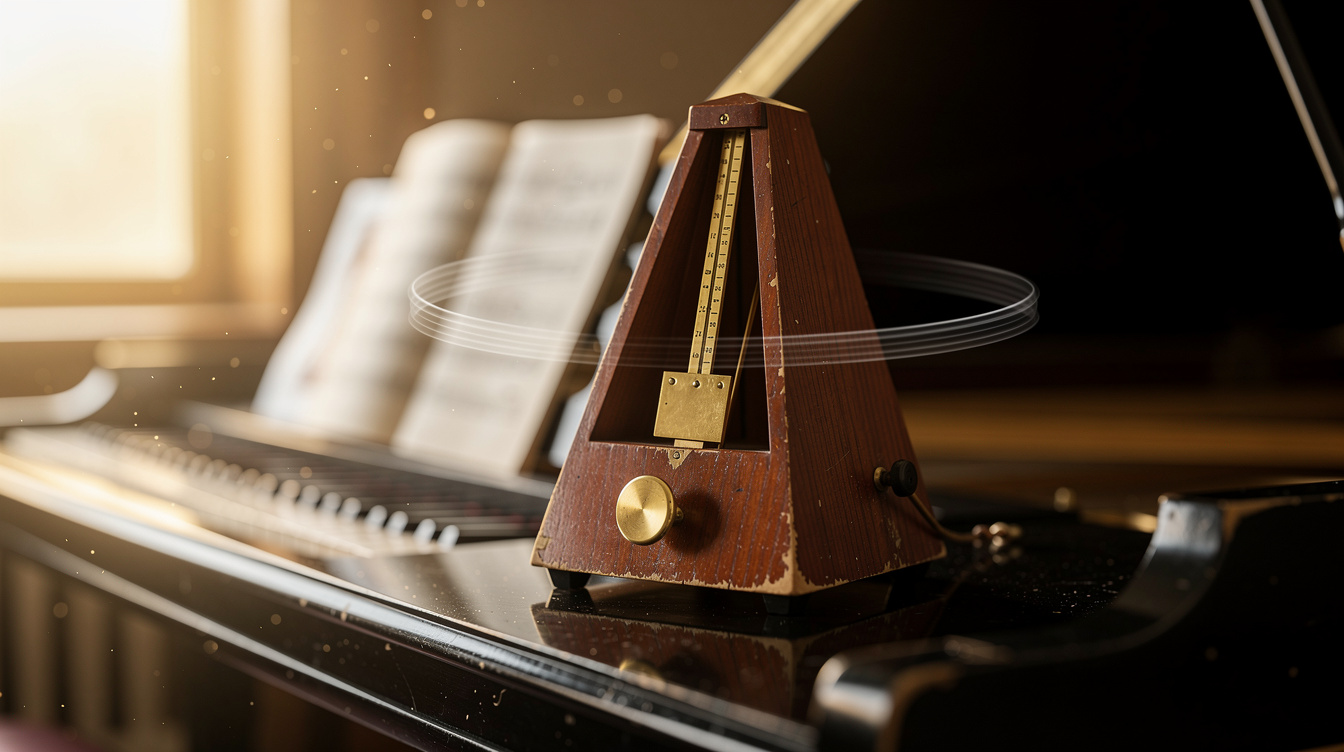
A chromatic tuner that works for any instrument
Tuning should take seconds, and you should not need a clip-on device or a paid app to do it. Onomo's Tuner is a chromatic instrument tuner that listens through your microphone and tells you exactly what note you are playing and how far off you are. Because it is chromatic, it works for any instrument that makes a pitch: guitar, bass, violin, ukulele, mandolin, brass, and even your own voice.
It is for anyone who needs to get in tune fast, for singers who want a steady reference to match, and for teachers who want a clear visual their students can read across a room.
How the pitch detection works
Play a note and the Tuner detects the pitch and shows you three things at once: the note name, the octave, and how many cents sharp or flat you are. Cents are the fine-grained measure of pitch, so you can see not just which note you are near but precisely how close you are to dead center.
Color feedback makes it readable at a glance:
- Green means you are in tune.
- Amber means you are close, just a nudge away.
- Red means you are off and need to keep adjusting.
You can watch all of this in whichever visual mode suits you. There is a gauge with a needle for a familiar tuner feel, a strobe-style big readout for precision, and an LED-style display that is easy to read from a distance.
Alternate tunings and reference pitch
Standard tuning sets A4 to 440 Hz, but not every situation calls for it. The Tuner lets you adjust the A4 reference frequency, so you can tune to 440, drop to 415 for Baroque pitch, try 432, or push to 442 or 444 to match an ensemble. Set the reference once and every note the Tuner reports follows it.
Reference drones to tune by ear
Beyond detection, the Tuner includes a drone generator. Pick any note and octave and it plays a steady, sustained reference tone. This is invaluable for two things: tuning an instrument by ear against a stable pitch, and vocal practice, where singing against a drone trains your ear and your intonation at the same time.
You can shape the drone's tone with a choice of waveform: sine for a pure, mellow reference, or triangle, saw, and square for a brighter, richer sound that is easier to hear over a loud instrument. An optional on-screen piano lets you pick the drone note visually, so you do not have to remember which key you need.
Tips for the cleanest reading
- Sustain a steady note. Let the string or breath ring instead of plucking and muting. The Tuner needs a continuous tone to settle on an accurate reading.
- Find a quiet room. Background noise competes with your instrument for the mic. The quieter the space, the faster and steadier the reading.
- Use the drone for vocals. Singers can hold a note against the drone to check and train their pitch without needing another instrument.
- Change A4 for alternate tunings. If you are playing period music or matching another player, set the reference frequency before you start so everything lines up.
FAQ
Is it free? Yes. The Tuner is completely free and runs in your browser. No install, no account needed to start tuning.
Does it work on my phone? Yes. It runs in a mobile browser and uses your phone's microphone, so you can tune anywhere.
Does it need microphone permission? Yes. Because the Tuner listens to your instrument or voice, your browser will ask for microphone access. Nothing is recorded and nothing is uploaded. All of the pitch detection happens locally in your browser, so your sound never leaves your device.
Ready to get in tune? Open the Tuner, play a steady note, and watch for green.
Ready to try it yourself?
Onomo is a full DAW in your browser — synths, drums, effects, and export. Free to start, nothing to install.
Open the Tuner tool